Interactive 3D · Computer vision
Shadow Room
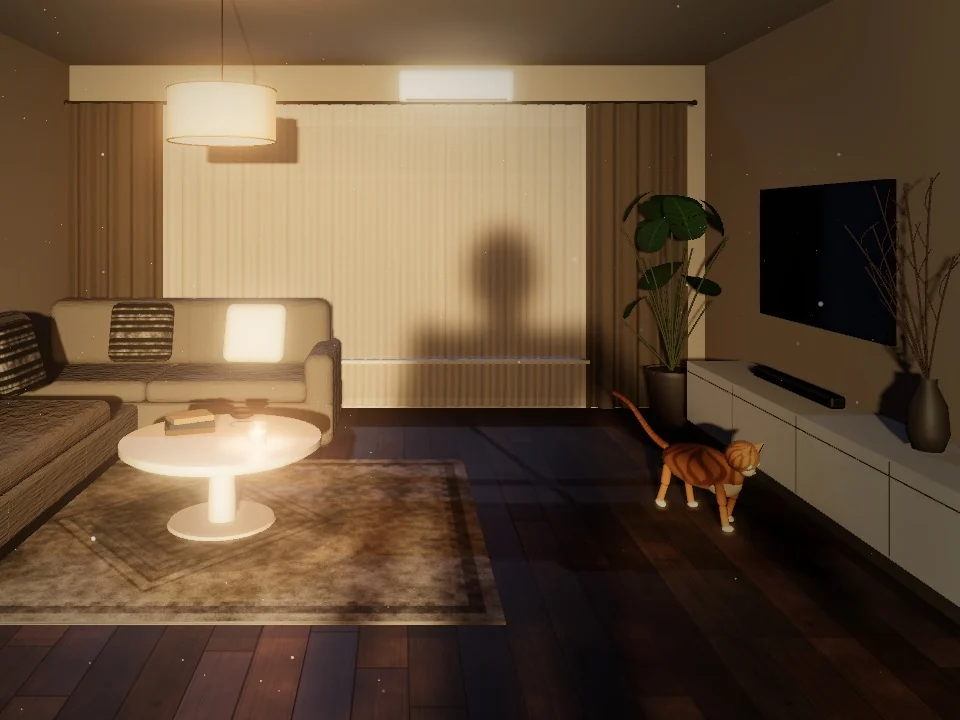
Your webcam silhouette casts a real shadow into a dark 3D living room. The view follows your head, and a cat chases the shadow of your hand.
Personal · Solo
My contribution
Built the three.js room and its lighting, a webcam-to-shadow pipeline with MediaPipe in a Web Worker, head-coupled perspective with look-around and calibration, a path-finding cat, and a tracking view, tuned for low lag and low GPU power.
- Cut the extra power the page draws while you sit still from about 11 W to about 4 W: 15 fps when idle, reused shadow maps and slower detection when nobody is in view (measured on one RTX 3060 laptop).
- A procedural cat plans paths around the furniture with A* and chases your hand’s shadow.
Try it
See what it can do
Personal project · September 2026 · web page or Lively wallpaper
What this project does
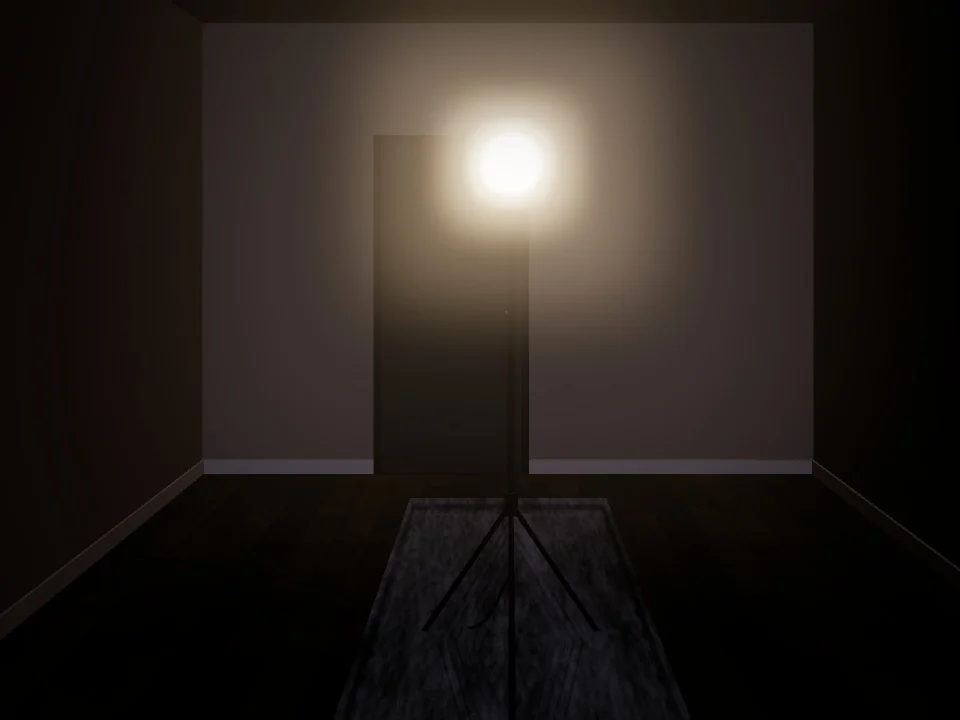
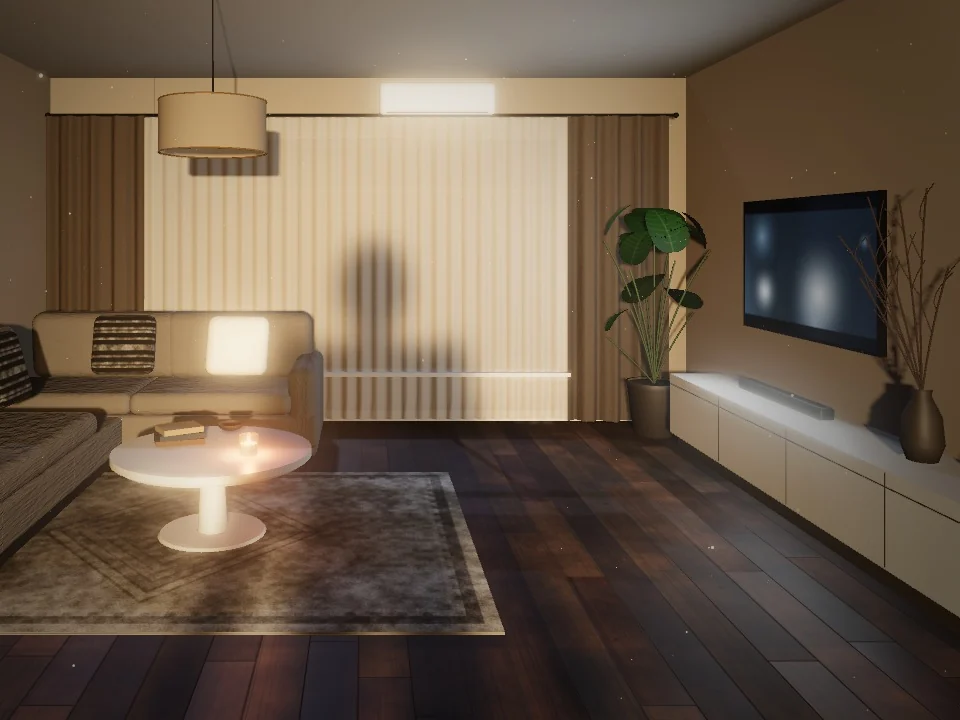
Shadow Room is a live 3D wallpaper of a dark living room. MediaPipe finds your silhouette in the webcam image, and a light behind you casts it as a real, soft-edged shadow across the curtains, sofa and floor. Objects react when your shadow touches them, and small head turns look all around the room.
Inside the project
- Touch things with your shadow: swat the ceiling lamp and every shadow swings, hold your head's shadow on the TV or the light switch, and ripple the curtains.
- Look around with small head turns: 10° looks to the side and 15° straight behind you, so you can keep watching the monitor. A Center button sets your normal sitting pose.
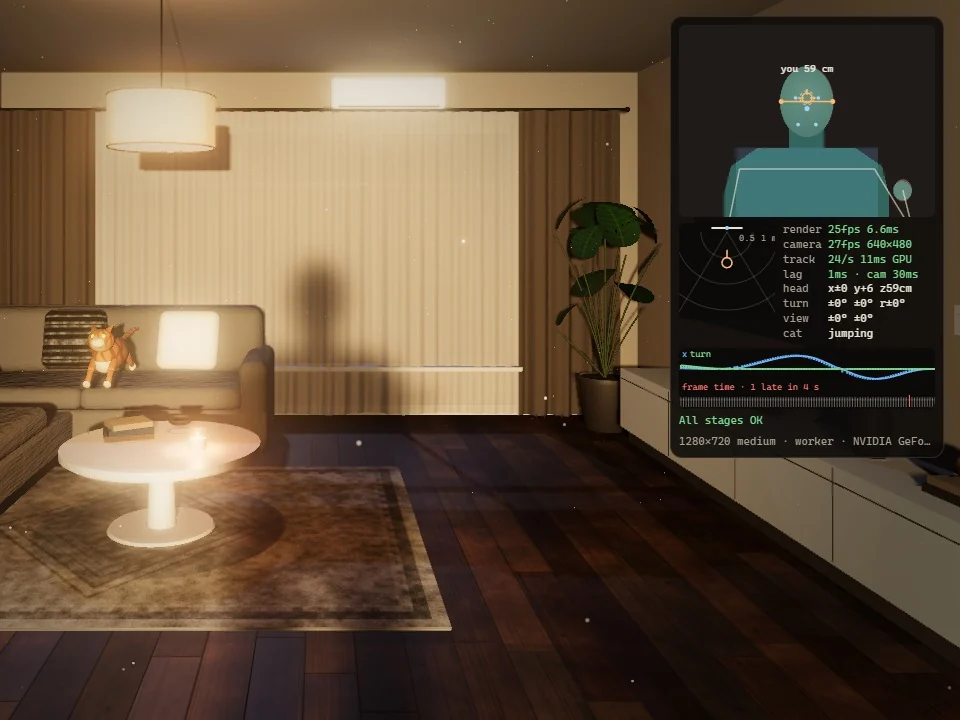
- A tracking view shows the analysed frame, the mask and skeleton, and per-stage timings, so lag can be traced to the camera, the tracker or the GPU.
Skills & practical experience
Practice turning noisy pose estimates into stable, low-latency interaction, keeping a real-time WebGL scene cheap enough to run all day, and building diagnostics that make performance problems visible.
- Three.js
- WebGL
- MediaPipe
- Computer vision
- JavaScript
- Web Workers
- Performance tuning
The images and the tour were recorded from the running app in headless Chrome, using its built-in demo figure or a simulated person fed through the tracker; none is webcam footage. The power figures were measured on one laptop with an RTX 3060 Laptop GPU.
Project context
Everything runs in the visitor's browser, and webcam frames never leave the page. It works as a web page or as a Lively Wallpaper desktop background. Without a webcam, a built-in demo figure casts the shadow.
Project media