Desktop tool · Windows
Claude Roster
Keep work and personal Claude accounts apart: a Windows tray app that switches the Claude desktop app between saved accounts in one click.
Personal · Solo · Built with Claude Code
My contribution
I designed the app and built it with Claude Code as a pair programmer: the tray app, an account button on Claude’s title bar, a usage panel with a 7-day history, and switching with backup and automatic restore.
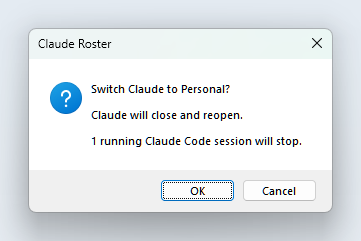
- Every switch backs up first, keeps the last five backups and restores automatically if a step fails.
- 61 unit tests run against fake Claude data folders, never the real one.
- Seven releases from October to November 2026, each with SHA-256 checksums.
Try it
See what it can do
Personal open-source project · Oct–Nov 2026 · 7 releases
What this project does
Claude Roster saves each account’s sign-in once. To switch, it closes Claude, swaps exactly the sign-in files, and reopens it signed in as the other account. It backs up the live sign-in before every switch and restores it if a step fails. Usage figures come from files already on the PC, so it makes no network calls unless the optional update check is on.
Inside the project
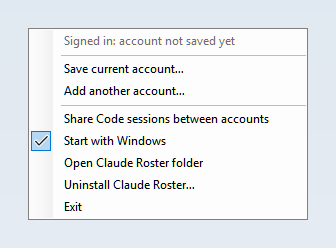
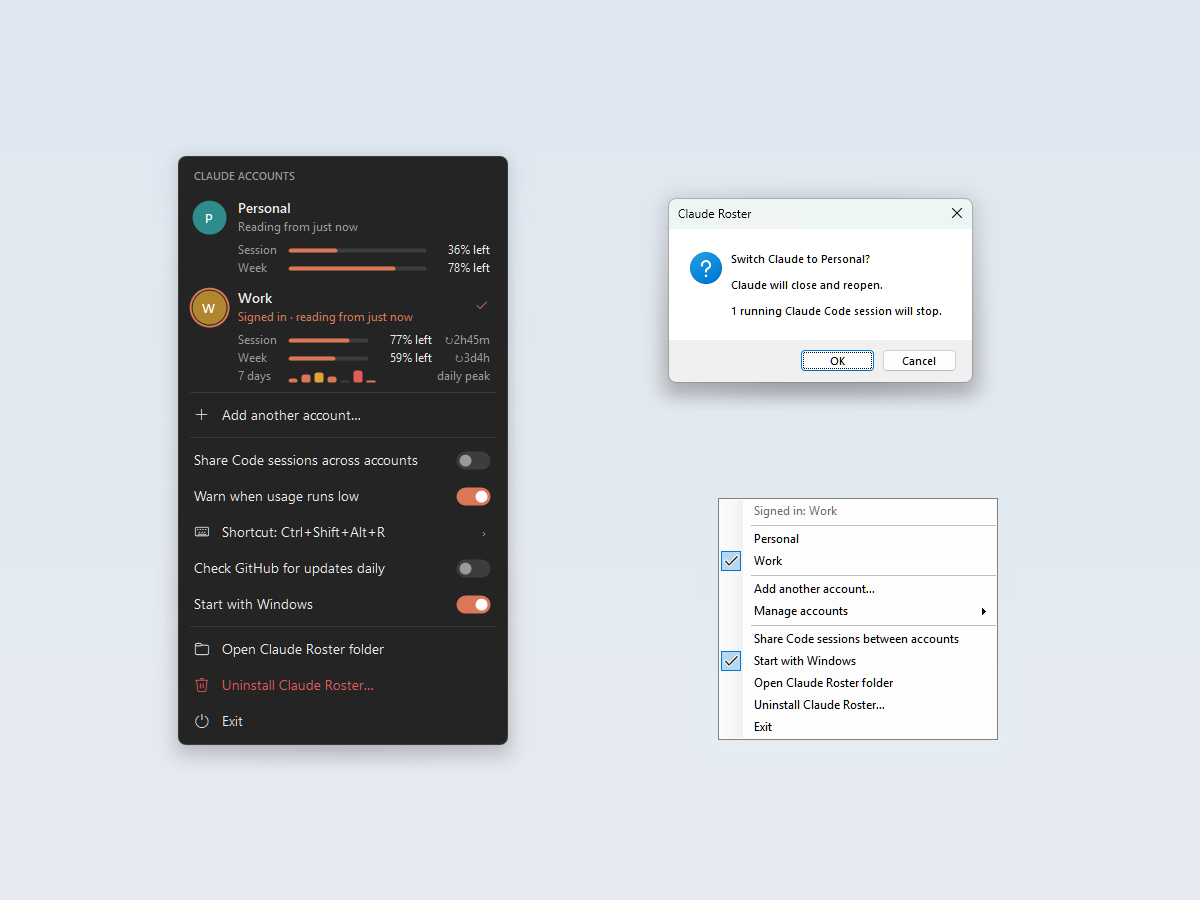
- Switch from an account button on Claude’s title bar, from the tray icon, or with a keyboard shortcut; the panel works entirely from the keyboard.
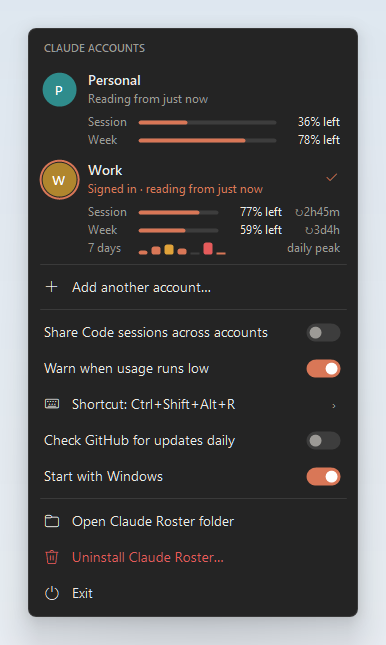
- Show the session (5-hour) and weekly usage left for each account, with reset countdowns, the age of each reading, and a 7-day history of daily peaks. An optional Claude Code add-on keeps the figures live.
- Optionally share Claude Code session lists between accounts: the newest copy of a session wins, deletions carry over, and both lists are backed up before each merge.
- Ship a single-file .NET 9 app and a claude-roster command line with SHA-256 checksums, start-with-Windows, and a one-click uninstall that leaves Claude signed in.
Skills & practical experience
Practice in Windows desktop development with WinForms and Win32, safe file operations with backup and rollback, working with an Electron app’s undocumented storage, tracking another app’s window, and documenting a tool for public release.
- C#
- .NET 9
- WinForms
- Win32
- Desktop tooling
- Release engineering
The images are the project’s own README screenshots, rendered with sample accounts and fake usage data. The public repository includes the source, tests, releases with SHA-256 checksums, and full documentation.
Project context
An unofficial, MIT-licensed community tool for Windows 10 and 11; it is not affiliated with or endorsed by Anthropic. The approach follows roster-companion by tanagornf, which does the same job for the ChatGPT desktop app.
Project media